Precision touchpad
Swipe to move, tap to select. Navigate menus and streaming apps as smoothly as on a trackpad — no more arrow-key hunting.
Control every TV in your home from one app. Touchpad navigation, voice search, a real keyboard and all the classic remote keys — for smart TVs, streaming sticks and set-top boxes alike.
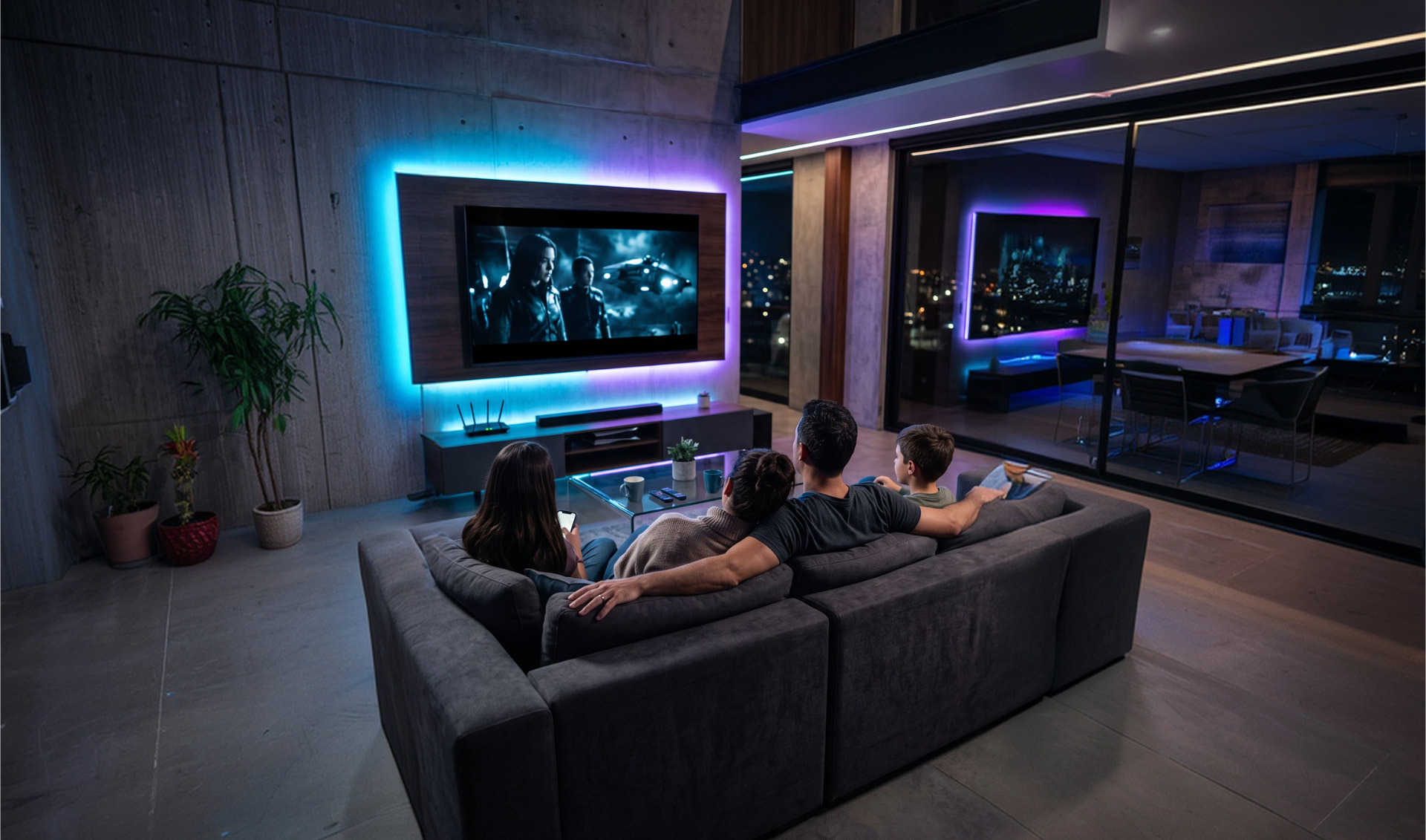
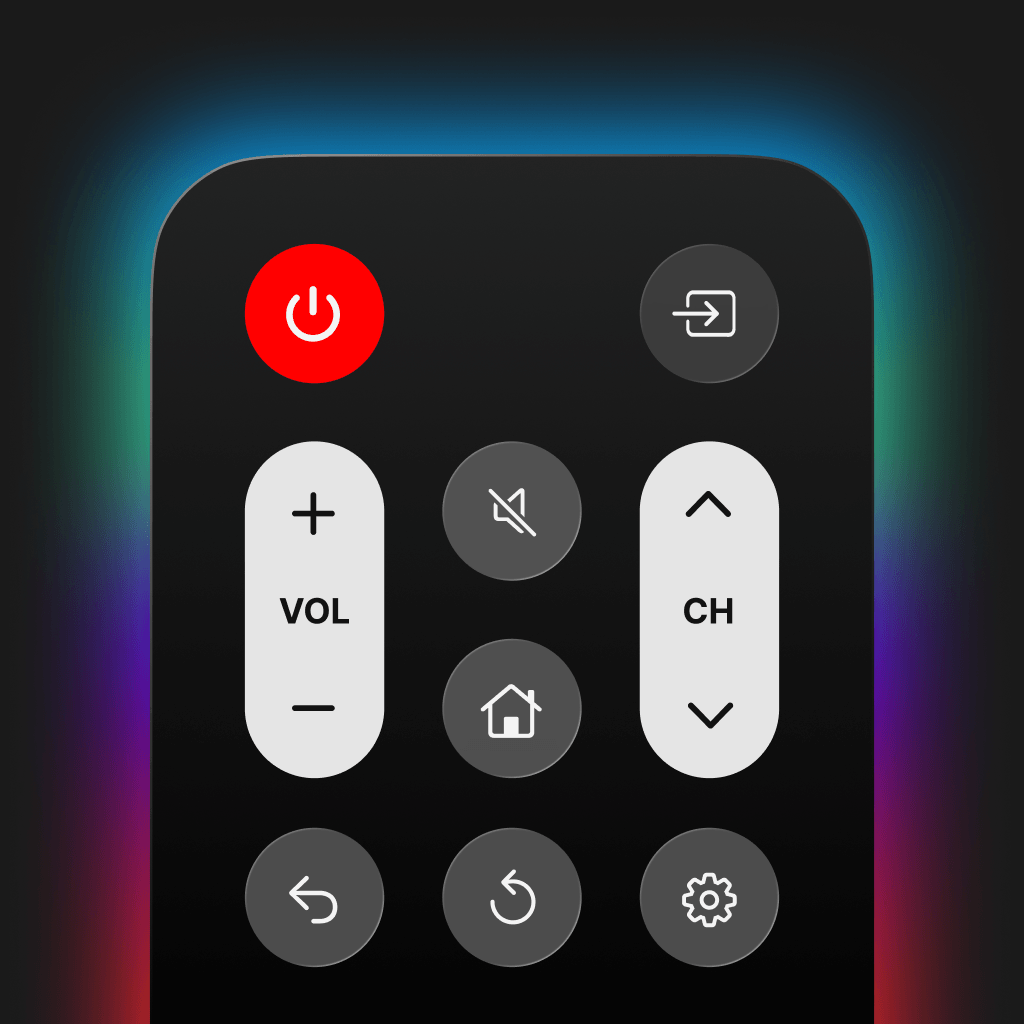
Four ways to control your TV, built for one hand and a dark room.
Swipe to move, tap to select. Navigate menus and streaming apps as smoothly as on a trackpad — no more arrow-key hunting.
Say what you want to watch and send it straight to your TV's search. Faster than typing on a TV keyboard.
Type logins, Wi-Fi passwords, and search queries with your phone keyboard instead of one letter at a time.
Every classic remote key in one dark, thumb-friendly layout: power, mute, volume, channel, input, home, back and settings.
Jump directly into Netflix, YouTube, Prime Video, Disney+ and other installed apps with a single tap.
Pair the TV in the living room, the streaming stick in the bedroom, and switch between them instantly.
Smart TVs, streaming players and TV operating systems — pick your brand and start controlling in seconds.
 Samsung
 LG
LG Sony
Sony TCL
TCL Hisense
 Roku
Roku Fire TV
 Android TV
 Google TV
 Apple TV
 Vizio
Vizio Philips
 Panasonic
 Toshiba
 Sharp
Sharp Aquos
Aquos Hitachi
 JVC
JVC Haier
Haier Xiaomi
 Skyworth
 Insignia
 Element
 Emerson
 Magnavox
 onn.
onn. RCA
RCA Sanyo
Sanyo Sceptre
 Vestel
 Westinghouse
 Viera
Viera VIDAA
VIDAA Tizen
Tizen Titan OS
 TiVo OS
 Coolita OS
 Xumo
Xumo Other TVs
 Universal IR
Join the same Wi-Fi network as your TV.
The app scans and lists every supported TV nearby.
Confirm the code shown on your TV screen.
Use touchpad, voice, keyboard, and media keys.
Sports, documentaries, movies or the news — get to what you want to watch without hunting for the plastic remote.
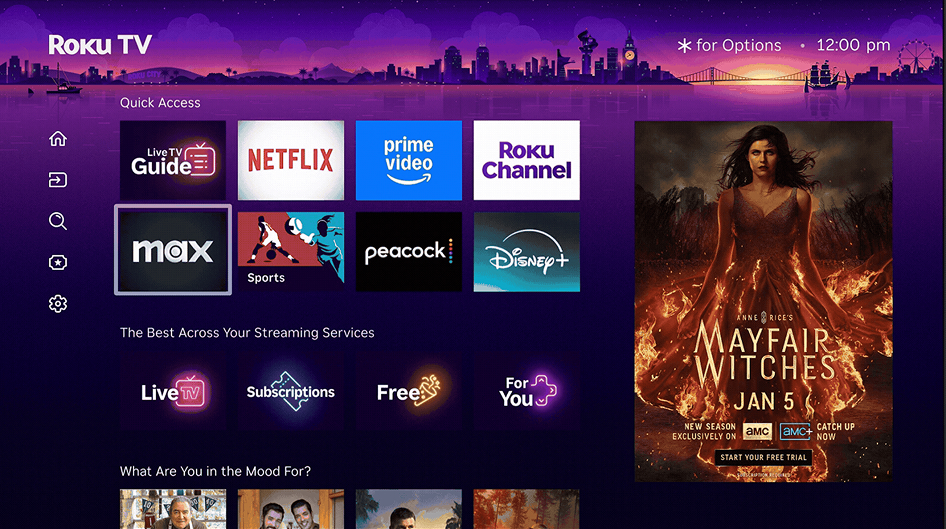



Samsung, LG, Sony, TCL, Hisense, Vizio, Philips, Panasonic, Toshiba, Sharp, Xiaomi, Haier, Roku, Fire TV, Android TV, Google TV, Apple TV and many more — over 40 brands and TV platforms.
For smart TVs, yes: your phone and TV should be on the same local network. Some older sets can be controlled through infrared where the hardware supports it.
For everyday use, yes — power, volume, channels, inputs, navigation, keyboard entry, voice search and app launching are all covered.
The app is free to download. Some advanced features are available through an optional subscription managed by the App Store.
Download TV EVO and put a universal TV remote in your pocket.
Download on the App Store